Function description and application method of N2M
N2M smart nail can be copied and simulated as any induction type of IC card, such as access control card, parking card, elevator card, shopping card, attendance card, membership card, health card, etc.
N2M Test Demo

Before install N2M to your nail, Please copy your target IC card into N2M first, there are following 3 ways to copy it :
1. Using JAKCOM ACR122u IC card reader to copy ( Need to connect computer )
2. Using JAKCOM 08CD IC card reader to copy ( Don’t need to connect computer )
3. Think of N2M as an empty IC card, let the target card issuer to rewrite data of target IC card into N2M again.
N2M Installation Demo
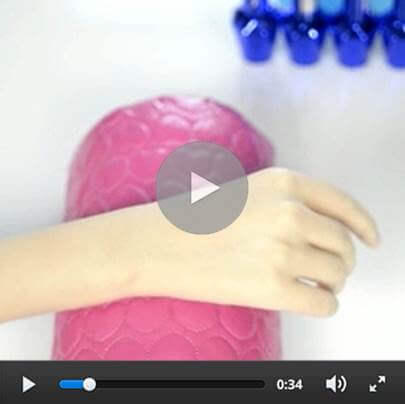
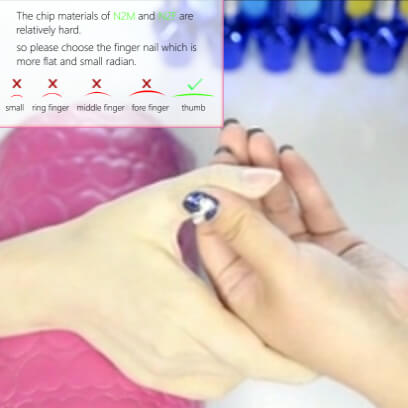
1. First, please select appropriate finger for installation.
The chip materials of N2M are relatively hard, so please choose the finger nail which is more flat and small radian, such as thumb.
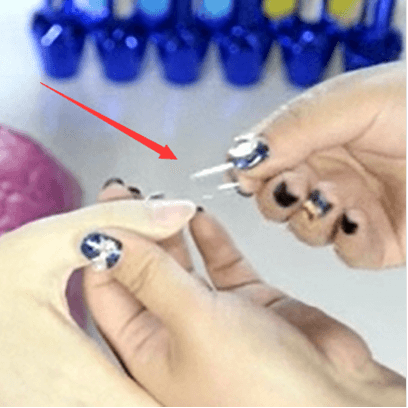
2. Then, select a piece of nail tip suitable for the nail size.
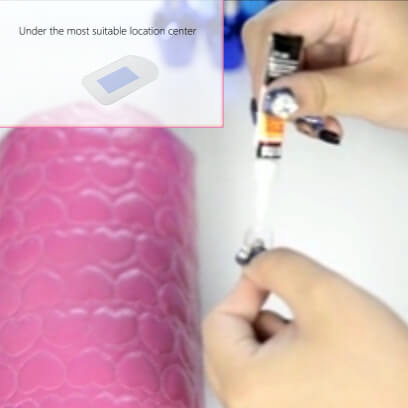
3. Determine the location where the nail tip fits the chip, and apply appropriate amount of glue, or smear the nail tip glue evenly on the chip’s obverse side(surface with a protrusion).
4. Then, paste the chip on the corresponding position of nail tip, please notice that nail tip should be glued with chip’s obverse side(surface with a protrusion).
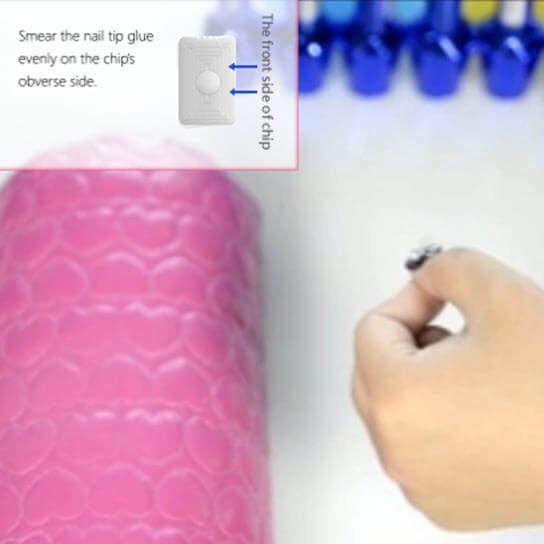
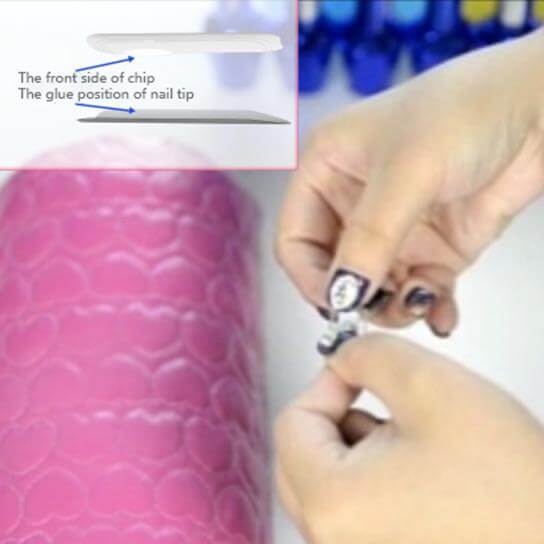
5. Then, take another piece of nail tip with similar size, place it on the chip and squeeze the chip’s periphery, but do not squeeze chip’s protruding parts, in case of damaging internal components. Blow air into the gap while squeezing to let the glue dry as soon as possible. Generally, it will take about 30 seconds. Then, remove the nail tip used for squeezing.
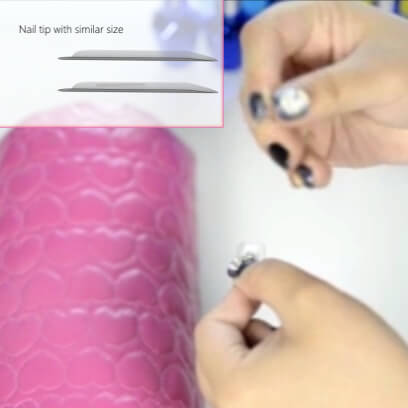
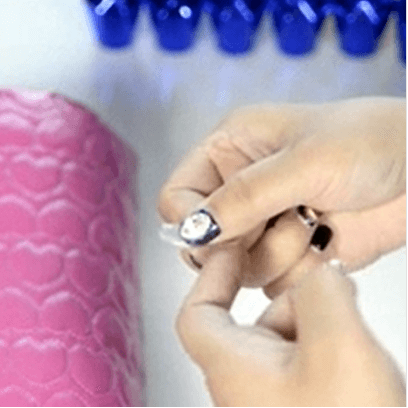
6. Apply glue evenly to the contact surface between nail tip and nail.
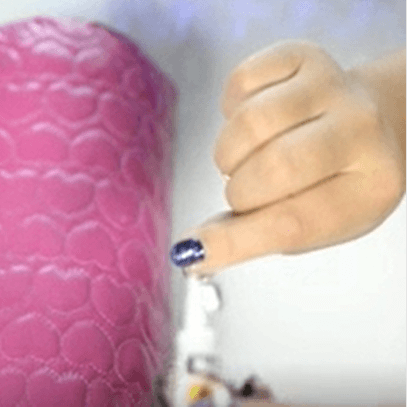
7. When the glue becomes ropy, place the nail tip on the surface of the nail, and keep pressing for a period of time.
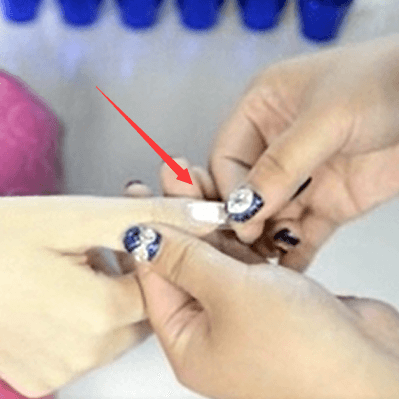
8. After the nail tip and nail are firmly glued, users can trim their nail tips and apply nail polish or do other operations according to users’ different needs.

Frequently Asked Questions
1. Always display “Write Failed”.
a. If the screen become dim When you pressed the “Write” button, please change the battery, coz, this device can’t work well if battery voltage is low.
b. Please try another N2 chip to determine whether problem belong to the N2 chip or Reader.
2. Always display ”decode failed”
a. Please check again whether the copied card is 13.56mhz M1 type IC card or not, This reader can not decode if the copied card is not M1 type IC card.
b. At this stage, ACR and 08CD reader can not decode the 16-sector encryption IC card. Please let the issuer of the copied card regard N2M nail as the blank card to input the new data information.
3. No reaction
a. Please try another N2 chip to determine whether problem belong to the N2 chip or Reader.
b. If the test is normal before installation, but after the installation to the nail on finger, become no response, this situation can not be repaired, should replace it, so every time install chip, please do not exert excessive force to squeeze or bend the chip.