Table of Contents (Click to expand)
Product introduction
JAKCOM N3 is a radio inductive finger nail chip;
Start the built-in characteristic functions by touching the NFC inducing area of cellphone.
Product parameters
Product size: 7mm x 7mm x 0.12mm
Product weight: 0.01g
RF frequency: 13.56MHz
Mobile phones applicable to: All Android phones supporting NFC and Apple iPhone launched after September 2018; iPhone XR, iPhone XS, iPhone11, iPhone12, iPhone13 and newer.
NFC Function Setup
1. Click the link above to download the APP::
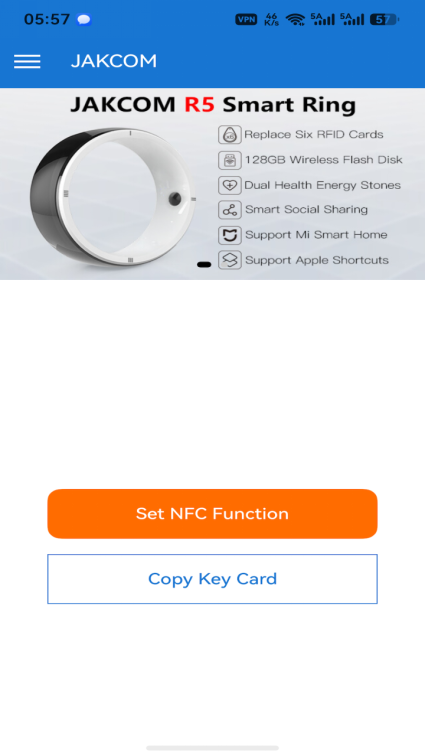
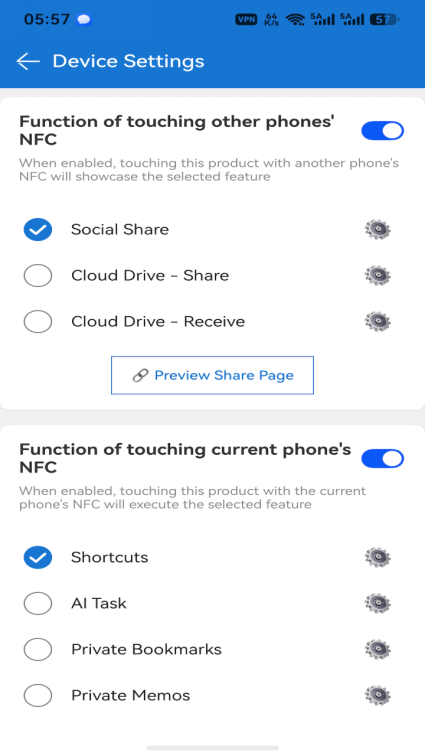
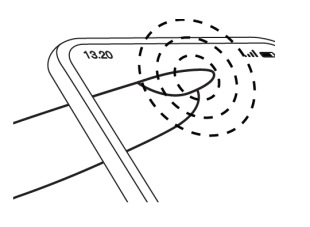
2. Open the APP, tap "Set NFC Function", then follow the prompts to touch this nail chip to your phone's NFC sensing area to access the setup page.
The NFC sensing area is usually located on the non-metal area on the back of the phone.
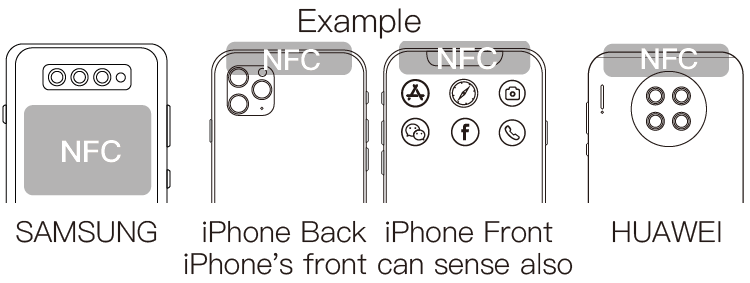
Note:
- Generally, the NFC function of the phone can only be enabled after the screen is unlocked;
- Some phone cases may affect NFC signals. If your phone cannot read the nail chip, please remove the case and try again.
3. After the setup is complete, touching the phone's NFC sensing area again with the nail chip will activate the corresponding function.
Third-Party NFC App Instructions
The ring's NFC module can be treated as a standard NFC tag and used with any third-party NFC application,
such as: Mi Home's NFC stickers, Apple Shortcuts automation, Amazon Alexa, Huawei Share, Nintendo Amiibo, etc.
It can also be used to support NFC-enabled locks, allowing it to be added as a new key card for the door lock.
Application instructions
1. Clean and dry nail bed. Clean with alcohol if needed.
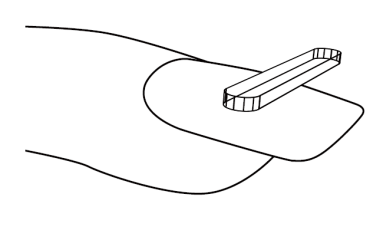
2. Remove and peel the backing away from smart nail chip.
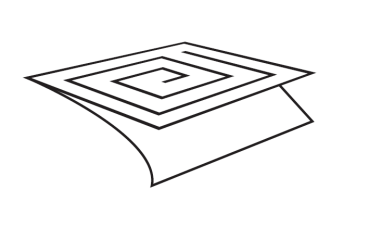
3. Apply smart nail chip to the nail bed. Make sure the smart nail chip fits properly and lays flat on the nail bed. You can bend the smart nail chip gently so it can curve to your nail bed. DO NOT FOLD.
4. Press the smart nail chip down on the nail bed. Make sure it lays flat on the nail bed. You may apply nail glue to secure the smart nail chip. Be careful not to put any glue on the front of the smart nail chip.
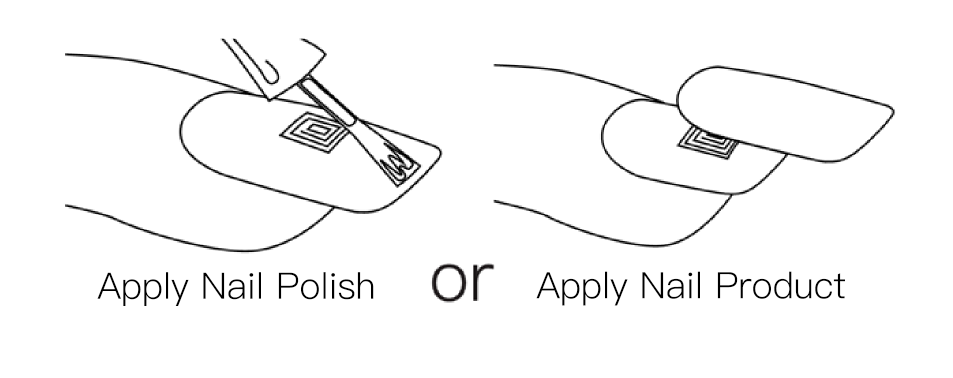
5. Apply nail polish or nail product on top of the smart nail chip to conceal and get a finished look.
Contact details